
Stuck! Now What? A Step-by-Step Rescue Guide for Your Trapped Robotic Mower

The moment you glance out the window and see your robotic mower stranded in the middle of your lawn—its quiet hum replaced by an alert on your phone—is a uniquely modern frustration. Your initial instinct might be to simply pick it up and move it. But for a sophisticated piece of robotics, a blind rescue can cause more harm than good. This guide provides a professional, systematic approach to diagnosing the issue, executing a safe recovery, and implementing strategies to prevent it from happening again.
A trapped mower is more than an inconvenience; it’s a system alert from your automated landscape. The way you respond dictates not only immediate recovery but long-term reliability. Follow this disciplined, field-tested protocol to transform from a frustrated owner into a skilled operator.

The First Rule: Don’t Panic, Diagnose
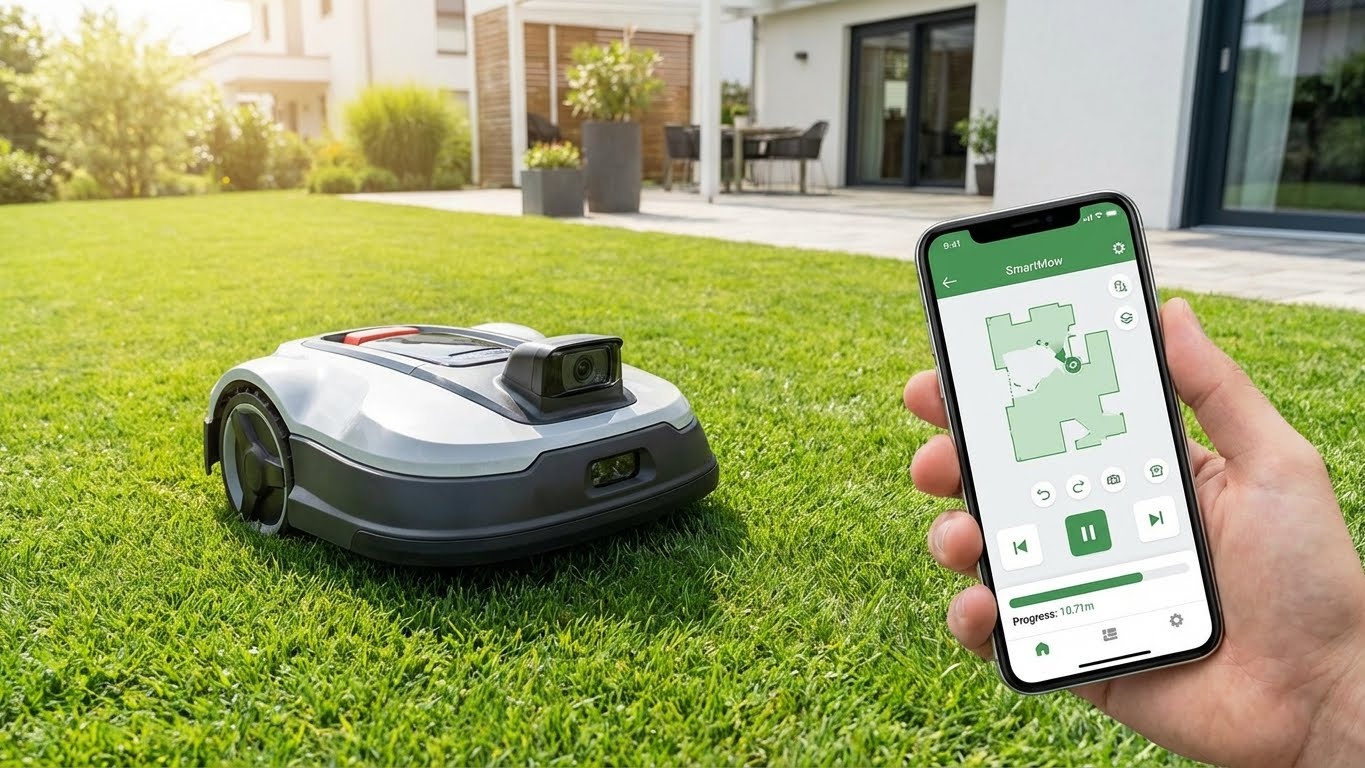
Before you touch the machine, open the companion app. The error message or status light is your first and most crucial clue. It’s the difference between treating a symptom and solving the root cause.
Phase 1: The Remote Triage (From Your Phone)
Step 1: Decode the App Alert
-
“Lifted” or “Tilt Alarm”: The mower thinks it’s been picked up. This is often triggered by it being high-centered on an object like a large branch, garden hose, or uneven ground. Action: Visually inspect from a distance. Is it balanced on something?
-
“Obstacle Detected” or “Blocked”: The AI vision or bumper sensors are persistently triggered. Action: Check the live camera feed (if equipped) or look for a dense cluster of leaves, a ball, or a pile of twigs directly against its chassis.
-
“Wheel Motor Stalled” or “Traction Loss”: This is critical for 4WD models on slopes. It indicates the wheels are spinning but not moving, often due to being pinned against an immovable object or extreme mud. Action: Do NOT immediately restart. This can overheat the motors.
-
“Mowing Blade Blocked”: Debris is wrapped around the cutting disc. Action: Power down the mower completely via the app before approaching.
-
“Outside Work Area” or “GPS Signal Lost”: A navigation error. The mower no longer knows where it is relative to its map. Action: Note its location. This often happens under thick tree canopies or during unusual atmospheric conditions.
Step 2: The “Virtual Nudge”
Many advanced apps have a “Reverse & Retry” or “Move Out of Difficulty” command. Use it. This directs the mower to back up along its entry path for a short distance and re-attempt its maneuver. This solves 40% of minor entrapments automatically.
Phase 2: The On-Site Rescue & Inspection
If the virtual nudge fails, it’s time for a hands-on approach. Safety first: Wear gloves.
Step 3: The Safe Shutdown & Assessment
-
Pause the Schedule: In the app, pause any upcoming tasks.
-
Power Down: Use the physical STOP button on the mower itself, or the “Power Off” command in the app. This is essential before clearing any blade blockages.
-
The 360-Degree Inspection: Walk a full circle around the mower, looking for:
-
Physical Entanglements: Hose, wire, vine, thick thatch wrapped around axles or the blade disc.
-
Terrain Issues: Is it straddling a large, hidden root or rock? Is a wheel sunk into a soggy molehill or irrigation trench?
-
Obstacle Proximity: Is it wedged tightly between a tree trunk and a garden border, with its bumper sensors continuously pressed?
-
Step 4: The Cleared-Path Extraction
-
Clear the Debris: Remove any entangled material. For wound-up string or netting, you may need to carefully cut it away.
-
Create an Escape Route: If wedged, gently move the obstacle (e.g., a movable pot) if possible, not the mower. If it’s high-centered, you may need to place a flat board or paver in front of a trapped wheel to give it a ramp.
-
The “Lift and Relocate” Protocol: Only pick up the mower as a last resort.
-
Always power it off first.
-
Carry it—do not drag it—to a flat, open area of cut lawn.
-
Crucial: Before restarting, in the app, select “Send to Docking Station” or “Return Home.” This resets its navigational logic and gives it a clear, direct task. Do not simply resume the schedule.
-
Phase 3: The Post-Rescue Diagnostic & Prevention
The job isn’t done when the mower is moving again. This phase prevents a recurrence.
Step 5: Analyze the “Why”
-
Was it a one-time event? (e.g., a child’s toy left out). If so, no system changes are needed.
-
Was it a chronic terrain issue? (e.g., a perpetually soft spot by a downspout, a hidden root). This requires a permanent map adjustment.
Step 6: Map Optimization: Your Permanent Fix
This is the power-user step. Use your app’s mapping tools to engineer a solution.
-
Create a “Keep-Out Zone”: Draw a small virtual barrier around the exact trouble spot (the soggy patch, the rocky outcrop). The mower will treat it like a pond.
-
Widen a Corridor: If it gets stuck between two close objects, adjust the virtual boundaries to give it a wider berth.
-
Adjust the “Work Area” Boundary: If it consistently loses signal under a specific large tree, redraw your zone to exclude that shadowed area, or connect it via a wider corridor.
-
For 4WD Models on Steep, Slippery Slopes: Consider reducing the “Max Slope Speed” in the app settings for that zone. A slower, more deliberate pace can prevent wheel spin and loss of traction.
Step 7: The Hardware Check
After an entanglement or stall, conduct a quick field check:
-
Spin the wheels by hand. They should rotate freely without grinding.
-
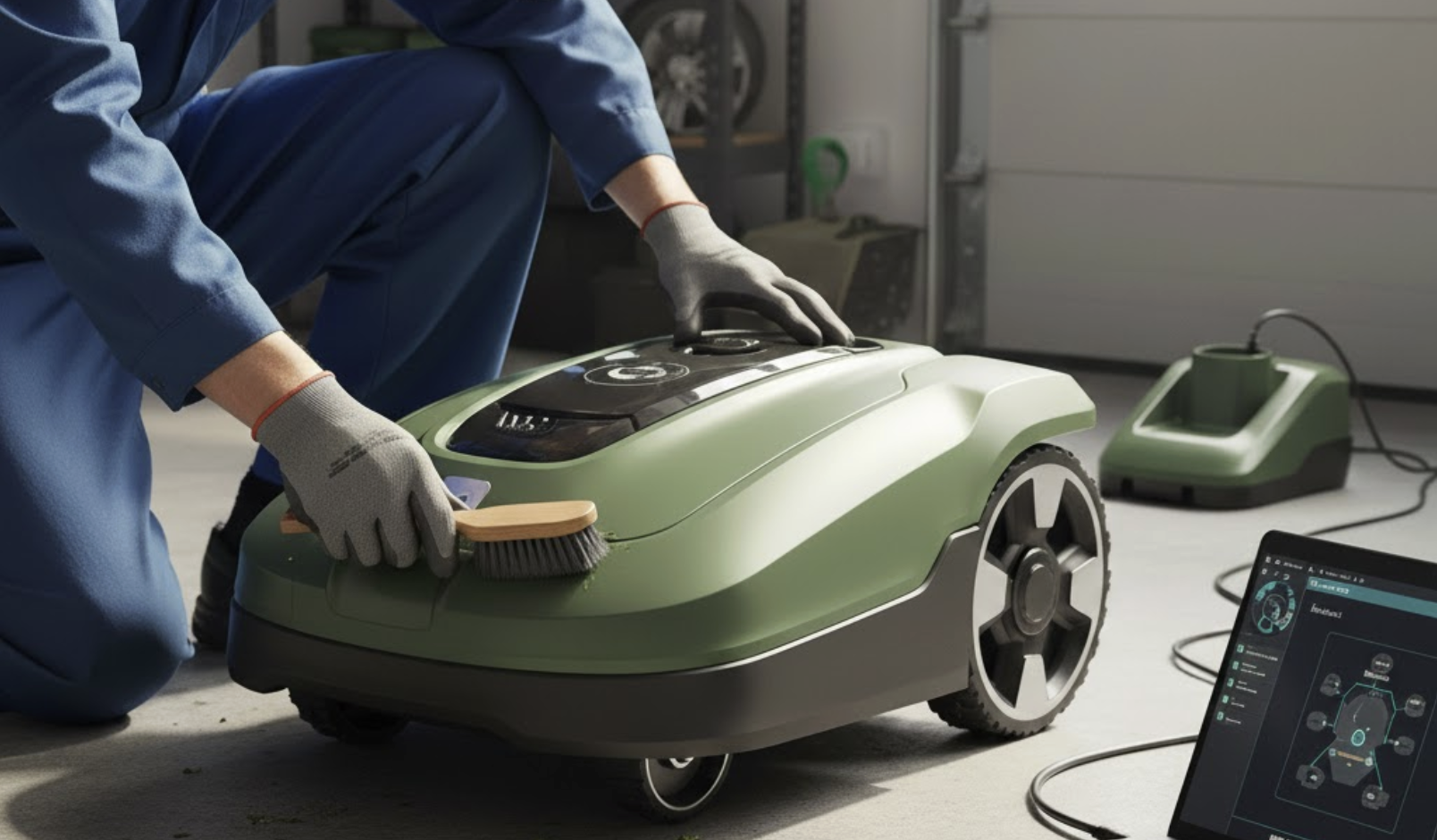
Manually rotate the cutting disc (with the power OFF!) to ensure it’s not bent or damaged.
-
Wipe down the sensors (bumpers, cameras, ultrasonics) with a soft cloth. A smudge of mud can cause false obstruction alarms.
Phase 4: When to Call the Professionals
If, after this process:
-
The mower displays the same persistent error code after a clear rescue.
-
There is a burning smell, visible damage, or a grinding mechanical sound.
-
The navigation is consistently disoriented even in open areas.
…it’s time to contact technical support. The issue may be a faulty sensor, motor, or internal wiring that requires professional repair.
The Proactive Guardian Mindset
The goal is not to become an expert rescuer, but an expert preventer. Use the data from these events:
-
Keep a simple log: Note the date, location, and cause of each stoppage. Patterns will emerge.
-
Schedule a “Lawn Walk”: Once a month, walk your property with the eyes of a robot. Look for new potential hazards: ant hills, groundhog holes, low-hanging branches, eroded edges.
Conclusion: From Frustration to Mastery
A stuck robotic mower is not a failure of technology; it’s a request for more precise communication between you and your system. By responding with this calm, diagnostic approach—leveraging the app, adjusting the digital map, and understanding the machine’s physical limits—you transcend the role of owner.
You become a co-pilot and a terrain manager. You stop seeing these events as breakdowns and start viewing them as valuable system feedback, allowing you to continuously refine your lawn’s “instruction set.” This shift turns momentary frustration into long-term confidence, ensuring your automated helper operates not just with independence, but with resilient intelligence.