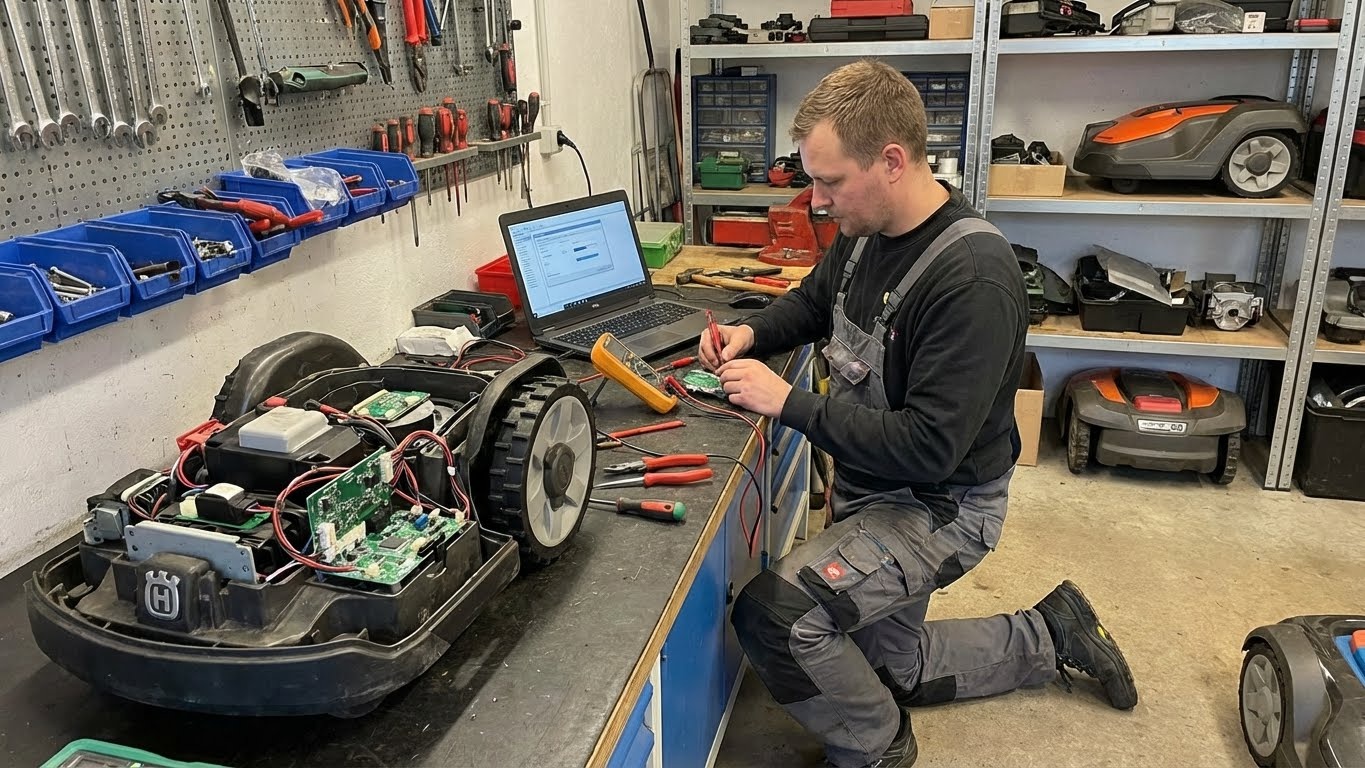


The frantic beeping from your yard is more than an alarm—it’s a coded diagnostic report from a sophisticated machine. For American homeowners, these sounds and the cryptic error codes that accompany them on your app are the primary language your robotic mower uses to communicate distress. Understanding this language is not about memorizing a manual; it’s about learning to think like a technician and moving from reactive panic to systematic problem-solving.
Every beep and blink is a deliberate signal. Ignoring them or solely relying on a reset can mask underlying issues that lead to component failure. This guide deciphers the most common and critical alerts from high-end robotic mowers, translating them into actionable insights and providing a clear pathway from diagnosis to permanent resolution.

The Diagnostic Mindset: From Symptom to System
Before diving into specific codes, adopt this framework. When an alarm sounds:
-
Don’t Just Silence, Document: Note the exact error code (e.g., “ERROR 29,” “BLADE MOTOR 00”) and the conditions (location in yard, time of day, weather, recent activity).
-
Understand the Alert Hierarchy:
-
Informational Beeps (Single/Short): “Job complete,” “Heading to dock.” Usually not urgent.
-
Warning Alerts (Intermittent/Patterned): “Obstacle detected,” “Lifted.” Requires investigation but may be temporary.
-
Critical Faults (Continuous/Loud): “Blade blocked,” “Wheel motor stalled,” “Positioning lost.” Requires immediate intervention and safety shutdown.
-
The Error Code Decoder: Common Alarms & Professional Response
Here are the most consequential error categories for premium mowers, explained beyond the manual’s basic description.
Category 1: Navigation & Positioning Failures
These errors mean your mower is spatially disoriented.
-
Code Examples:
POSITIONING LOST,GPS SIGNAL WEAK,RTK LINK ERROR,OUTSIDE WORK AREA -
What It Really Means: “I don’t know where I am, so I cannot safely move.”
-
Tiered Diagnosis & Fix:
-
Tier 1 (Quick Fix): For
GPS SIGNAL WEAK, move the mower to an open area and power cycle it. ForOUTSIDE WORK AREA, manually return it to the defined zone. -
Tier 2 (Signal Audit): For persistent
POSITIONING LOST, check for new physical obstructions (e.g., a new shed, dense new tree foliage). For RTK errors, verify the base station has power, a clear sky view, and a stable internet connection. This is the most common fix for high-precision systems. -
Tier 3 (System Reset): A corrupted map can cause false “out of bounds” errors. This may require a soft map recalibration or, as a last resort, a factory reset and re-mapping.
-
Category 2: Drive & Traction Faults
These are critical for mowers operating on slopes or complex terrain.
-
Code Examples:
WHEEL MOTOR STALLED,TRACTION LOSS,MOWER TILTED -
What It Really Means: “My wheels are spinning but I’m not moving,” or “I am in an unstable position.”
-
Tiered Diagnosis & Fix:
-
Tier 1 (Physical Rescue): IMMEDIATELY power off the mower. Inspect for being high-centered on a root, rock, or hose. Check for debris (thick thatch, mud, rope) jammed in the wheel axles. For
TILTED, it may be stuck on a slope exceeding its limit. -
Tier 2 (Mechanical Check): Manually rotate each wheel. Grinding or resistance indicates a seized bearing or damaged gearbox. This often requires a service call.
-
Tier 3 (Software/Prevention): For recurring
TRACTION LOSSon a specific slope, reduce the “Slope Speed” or “Torque Setting” for that zone in the app. Consider if the terrain is simply beyond the machine’s engineered limits.
-
Category 3: Cutting System Blockages
These errors protect the mower and your property from damage.
-
Code Examples:
CUTTING MOTOR BLOCKED,BLADE OBSTRUCTION -
What It Really Means: “Something is physically preventing the blade from spinning, creating a dangerous load on the motor.”
-
Tiered Diagnosis & Fix:
-
Tier 1 (Safety First): ALWAYS power down and disconnect the battery (if possible) before inspection. Visually and manually check for wrapped wire, tough vines, thick plastic, or a large stick jammed in the blade disc.
-
Tier 2 (Post-Clearance Check): After removing debris, manually spin the blade disc. It should rotate smoothly. If it’s bent or wobbles, the disc or spindle is damaged and must be replaced before further use.
-
Tier 3 (Root Cause): Frequent blockages indicate a yard issue: too many small, loose branches; landscape netting left in place; or the mower set to cut grass that is far too tall and wet.
-
Category 4: Safety & Anti-Theft Alerts
These protect your investment.
-
Code Examples:
LIFT ALARM,PIN CODE ERROR,THEFT ATTEMPT -
What It Really Means: “I have been moved without authorization.”
-
Tiered Diagnosis & Fix:
-
LIFT ALARMDuring Operation: Often a false positive from being high-centered or driving over a severe bump. Manually reposition it on flat ground and restart. -
Persistent
PIN CODEorTHEFTErrors: This is almost always a user error in entering the PIN. Use the app or physical keypad to correctly re-enter the code. If the mower was genuinely moved, its GPS tracker (if equipped) will log the location.
-
Category 5: Battery & Charging Faults
These affect the core energy system.
-
Code Examples:
CHARGING ERROR,BATTERY TEMP TOO HIGH/LOW,LOW BATTERY - CANNOT RETURN -
What It Really Means: “I cannot safely charge or discharge my battery.”
-
Tiered Diagnosis & Fix:
-
CHARGING ERROR: Clean the charging contacts on the mower and dock with a dry cloth. Ensure the dock is plugged in and receiving power. -
BATTERY TEMPErrors: The mower will refuse to charge in extreme cold (<32°F/0°C) or heat (>104°F/40°C). Move it to a climate-controlled space to normalize temperature. -
CANNOT RETURN: The battery is too depleted to reach the dock. Manually place it on the dock and allow a full charge cycle. If this happens repeatedly, the battery may be aging and losing capacity.
-
The Proactive Protocol: Building Your Error Response Kit
-
Create a Digital Log: Use a notes app to record each error with date, code, and fix. Patterns reveal chronic issues.
-
Assemble a Physical Kit: Keep in your garage: work gloves, a plastic pry tool, a soft brush, isopropyl alcohol wipes (for sensors), and a multimeter (for advanced users to check dock voltage).
-
Know Your Limits: Map out the “Service” or “Diagnostics” section of your app. Know how to access error history and run system tests.
When to Stop DIY and Call a Pro
Seek professional service if:
-
The same critical error (motor stall, blade blockage) recurs immediately after a proper physical clearance.
-
You suspect internal water damage (e.g., after a flood).
-
There is visible damage to wiring, a cracked chassis, or a leaking battery.
-
A factory reset does not resolve persistent navigation or communication errors.
Provide the technician with your error log. This data is invaluable and can cut diagnostic time in half.
Conclusion: From Noise to Knowledge
Decoding your mower’s beeps transforms you from a passive owner into an active system manager. You stop hearing mere annoyance and start receiving structured data. This knowledge empowers you to perform precise first aid, provide accurate information to support teams, and, most importantly, implement landscape and usage changes that prevent errors from occurring in the first place.
Mastering this language is the final step in achieving true “set-and-forget” automation. It’s the confidence that comes not from the absence of problems, but from possessing the clear, calm competence to solve them. Your mower is speaking to you. Now, you can understand it.